
WhatsApp Web: How to Use WhatsApp More Efficiently on Your Computer
If you spend a lot of time working on a computer, constantly switching between your phone and desktop can be distracting. That’s where WhatsApp Web really shines. It lets you chat, send files, and manage conversations directly from your computer, helping you stay focused and work faster.
What Is WhatsApp Web?
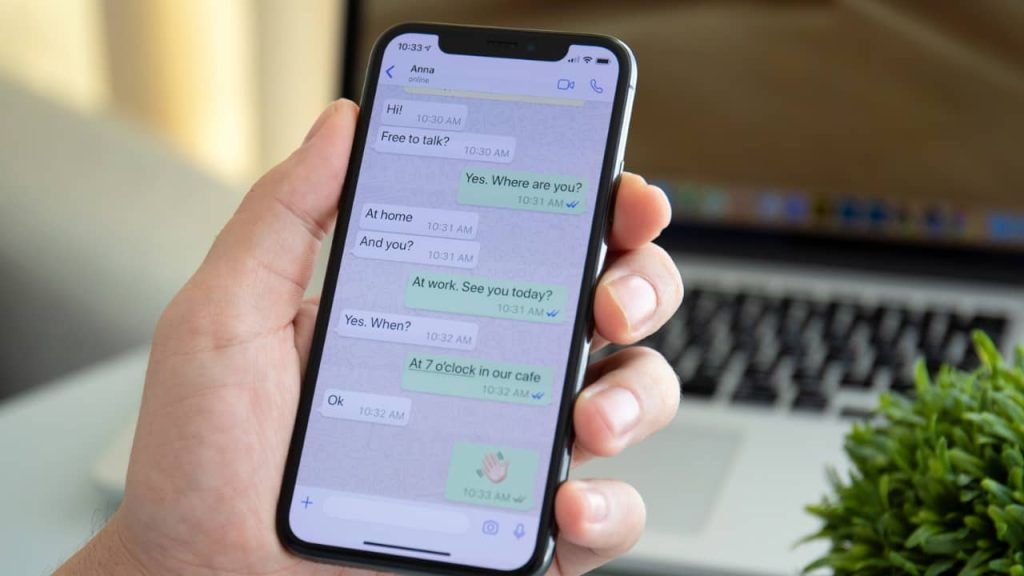
WhatsApp Web is the browser-based version of WhatsApp. You don’t need to install any heavy software. Just open it in your browser, scan a QR code with your phone, and your chats appear instantly. Your messages, contacts, and groups stay in sync with your phone, so everything feels familiar.
How to Log In Quickly
Getting started takes less than a minute:
-
Open WhatsApp Web in your browser
-
Open WhatsApp on your phone
-
Go to Linked Devices
-
Scan the QR code on your screen
You can also choose to stay logged in, which saves time if you use it every day.
Simple Tips to Boost Productivity
Use keyboard shortcuts
Typing on a keyboard is much faster than tapping a screen. Shortcuts like these can save time:
-
Ctrl + N to start a new chat
-
Ctrl + Shift + ] or [ to switch chats
-
Ctrl + E to archive a conversation
Once you get used to them, replying feels much smoother.
Drag and drop files
Sharing files is easier on WhatsApp Web. Just drag photos, videos, or documents straight into the chat window. It’s quick and perfect for work files.
Reduce distractions
Mute chats that aren’t urgent and keep important conversations easy to find. This helps you stay focused while working on your computer.
Using WhatsApp Web on Multiple Devices
WhatsApp now supports multi-device login, so you can keep using WhatsApp Web even when your phone isn’t nearby. Still, it’s a good habit to check your linked devices and log out from any computer you don’t recognize.
Things to Keep in Mind
-
A stable internet connection gives the best experience
-
Always log out on shared or public computers
-
Updated browsers work better with WhatsApp Web
Final Thoughts
If WhatsApp is part of your daily routine, using WhatsApp Web can seriously improve your efficiency. Bigger screen, faster typing, and easier file sharing make a real difference. With a few smart settings, it becomes a powerful tool for both work and everyday chats.