
Many beginners believe that visual effects require expensive software or advanced editing skills. In reality, modern editing tools make it possible to create impressive effects with just a few clicks.
CapCut Mod PC offers a range of VFX options that help creators add energy, movement, and cinematic style to their projects.
What Are VFX Effects
VFX stands for visual effects. These effects are added during post-production to create visuals that cannot be captured directly by a camera.
Examples include: Explosions, Lightning, Fire. Glitch effects. Speed ramps, Energy effects. Digital transitions.
VFX help make videos more exciting and visually attractive. In CapCut Mod PC, many VFX effects are designed for content creators who produce short videos, gaming edits, travel content, and cinematic reels.
VFX vs CGI vs Motion Graphics
These words get tossed around interchangeably, but they’re different beasts.
| Term | What it means | Typical tools |
| VFX (Visual Effects) | Anything added to live-action footage in post — compositing, explosions, screen replacements, lightning bolts. The footage is real; the effect is layered on. | After Effects, Nuke, Fusion, CapCut |
| CGI (Computer-Generated Imagery) | Entirely created in the computer — 3D models, environments, creatures. Think Pixar, Marvel CGI, architectural renders. | Blender, Maya, Cinema 4D, Unreal |
| Motion Graphics | Animated graphic design: titles, lower-thirds, explainer icons, kinetic typography, infographic charts. Lives between design and animation. | After Effects, Cavalry, CapCut (simple end of the spectrum) |
When people talk about CapCut’s VFX, they are referring to adding 2D layers and effects to live-action video. When they say “CapCut does motion graphics,” they mean include things like animated text and simple shape reveals—essentially a simplified version of what After Effects does, but with a basic timeline that anyone can use.
This distinction is important because CapCut Mod PC serves as a versatile middle-ground tool. While it isn’t designed for high-end 3D graphics like Blender, it allows you to quickly create neon effects, track text to moving subjects, and produce professional intros in less than an hour.
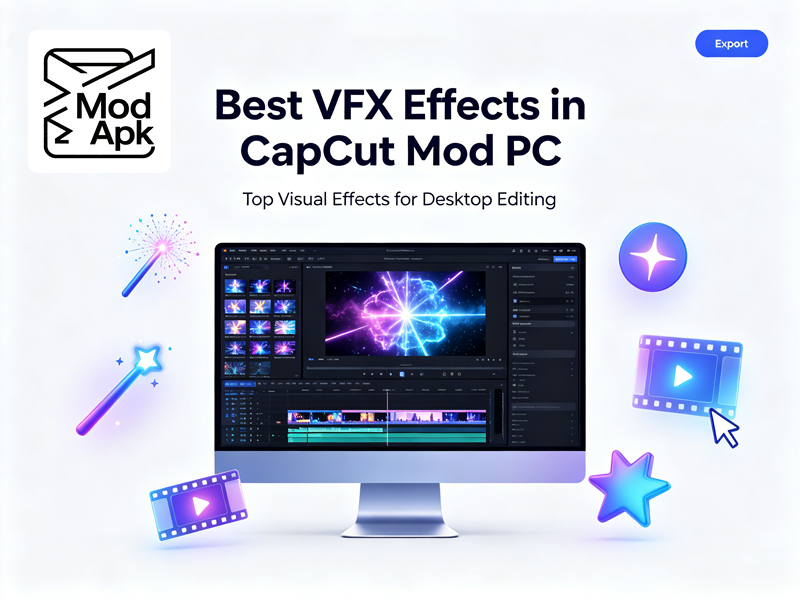
Best VFX Effects in CapCut Mod PC
1. Glitch Distortion + RGB Split + Chromatic Aberration
You’ll see this combination at the start of many tech TikToks. CapCut Desktop includes built-in effects like Glitch Distortion, RGB Split, and Chromatic Aberration.
How to build it:
- Drop your clip on the timeline, duplicate it onto a layer above.
- On the top layer → Effects > Glitch Distortion, dial intensity to ~40%.
Why it works: It creates the illusion that the video is from a glitchy data file. Combine it with dark colors to quickly produce a sci-fi style clip.
2. Light Leak & Particle Overlays: Cinematic Warmth
CapCut’s Overlays menu offers great features like light leaks, film dust, and weather effects. Just add these to your video and set the blend mode to Screen or Add to use them.
Quick recipe:
- Layer a warm light leak over a golden-hour talking head.
- Set opacity to 30–50%, blend mode → Screen.
- Keyframe the leak’s position so it drifts across the frame (mimics real lens flare movement).
- Stack a soft glow adjustment layer underneath for cohesion.
This is pure VFX compositing — just like you’d do in After Effects with an optical flares plugin, except it’s free and one click.
3. Neon Glow / Manga Neon Clones
CapCut is surprisingly good at the Manga Neon Clones effect, which creates three glowing versions of a character that sync perfectly with the music.
The workflow:
- Film your subject against a clean(ish) background.
- Duplicate your main video track at least 2 or 3 times so they stack exactly on top of each other.
- Mask the Clones: Select the duplicated layers and use the Mask tool to isolate your moving subject. Stagger the timing of these layers slightly to create a trail effect.
- Add Glows: Go to Effects > Video Effects > Nightclub, select Neon Outline, and drop it onto the cloned layers. Adjust the Strength/Intensity to your liking.
- Sync clone “pops” to the kick drum.
This is VFX compositing + motion graphics (the beat-synced counters/text you’ll add on top). It’s also the closest CapCut gets to a stylized music-video pipeline.
4. Spotlight Mask Reveal: Cinematic Focus Pull
A popular pro technique in CapCut Desktop is the spotlight mask. This creates a soft circular light that follows your subject, giving your footage a cinematic feel.
Steps:
- Place your subject clip
- Video > Mask > Circle, feather it heavily (70+).
- Keyframe the mask’s position to track the subject across frames.
- Add a Glow adjustment to create a “stage light” halo.
It’s a simple idea that sells “production value” hard. You’ll recognize the look from Netflix title sequences — now you can do it on a free editor.
5. Chroma Key / Green Screen
CapCut Mod’s Chroma Key tool has intensity, shadow, edge-thickness, and spill suppression sliders. That means:
- Use a green screen for your shoot.
- Remove the background, soften the borders, and swap in a digital scene like a city, space, or a meme.
- Adjust the clip’s speed to create a more dramatic effect.
Combining live video with digital graphics is the core of VFX. While you have to create your CGI in a tool like Blender, CapCut is surprisingly good at blending them seamlessly.
To see the exact steps, check:
How To Use Green Screen On Capcut
How to remove green screen in CapCut?
Final Thoughts
CapCut Mod PC gives creators access to a wide range of visual effects that can dramatically improve video quality.
Understanding the difference between VFX vs CGI is also important. Most content creators do not need advanced CGI software. Instead, combining simple VFX with motion graphics often produces excellent results.
Personally, CapCut offers one of the best balances between simplicity and creative power. It cannot fully replace professional software like After Effects motion graphics, especially for advanced motion graphics animation, but for YouTube creators, short-form editors, and social media users, the available VFX tools are more than enough.
FAQ
Q: Is CapCut better than After Effects?
A: CapCut is easier for beginners and social media creators, while After Effects offers more advanced tools for professionals.
Q: Can CapCut handle “real” CGI compositing, or is it just 2D?
A: It’s primarily a 2D compositor. You can bring in a PNG sequence or MP4 rendered from Blender, key it over live footage, and grade it — that’s a legit VFX pipeline.
Q: What export settings for VFX-heavy timelines?
A: CapCut Mod PC goes up to 4K/60fps with high bitrate. For VFX (neon edges, glitch, fine text), export at 1080p minimum, 30 or 60fps depending on source, bitrate “recommended” or higher — the neon outlines will thank you.