
If CapCut has been restricted or banned in your region, you may be worried about recurring subscription charges, and confused about whether your CapCut MOD build is billing you. The short answer: CapCut MOD itself has no official subscription system. All automatic charges come from an official CapCut paid plan you signed up for through the App Store, Google Play, or CapCut’s website.
Bans and app store removals do not automatically cancel your subscription. You must turn off auto-renewal manually to stop future charges. If you want a full breakdown of standard CapCut Pro cancellation rules, prerequisites, and common troubleshooting issues, check out our dedicated guide: How to Cancel the CapCut Pro Subscription. Below is a complete, platform-by-platform guide to canceling your plan, ending your free trial, and avoiding unwanted billing.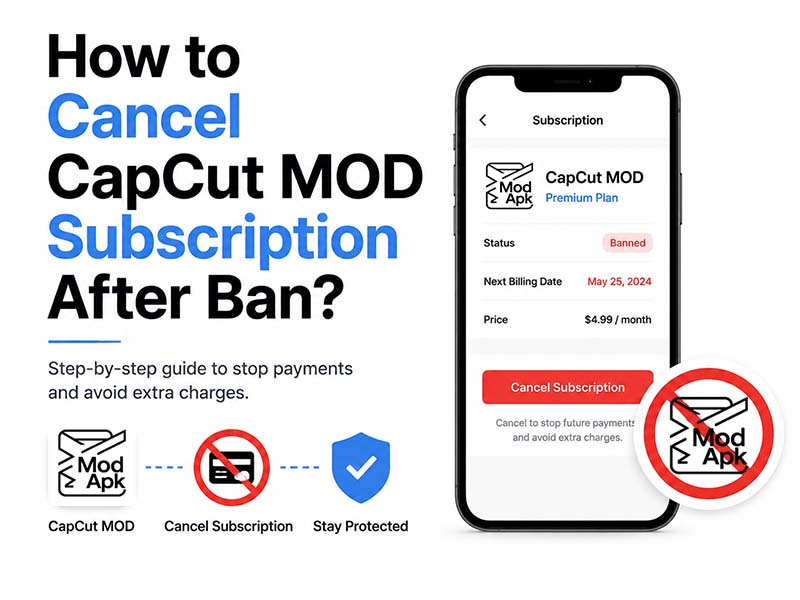
Important Clarification First
CapCut MOD is a modified version of the app that unlocks premium features locally. It does not connect to official billing systems, cannot charge your payment method, and has no subscription sign-up inside the app.
If you are seeing recurring charges, they come from one of three official sources:
- An App Store subscription (iPhone/iPad)
- A Google Play subscription (Android)
- A direct web/desktop subscription (PC/Mac)
You must cancel through the same platform you used to subscribe. Uninstalling CapCut or CapCut MOD will not stop auto-renewal.
How to Cancel CapCut Subscription on iPhone
If you subscribed through the iOS App Store, all billing is managed by your Apple ID. You do not need the CapCut app installed to cancel.
- Open the Settings app on your iPhone.
- Tap your name/Apple ID at the top of the screen.
- Select Subscriptions from the menu.
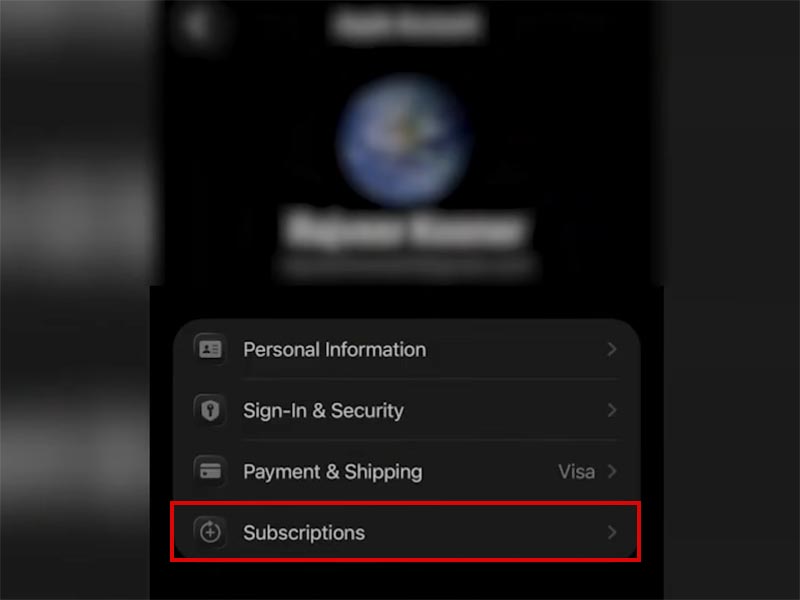
- Find CapCut in your active subscription list.
- Tap Cancel Subscription and confirm your choice.
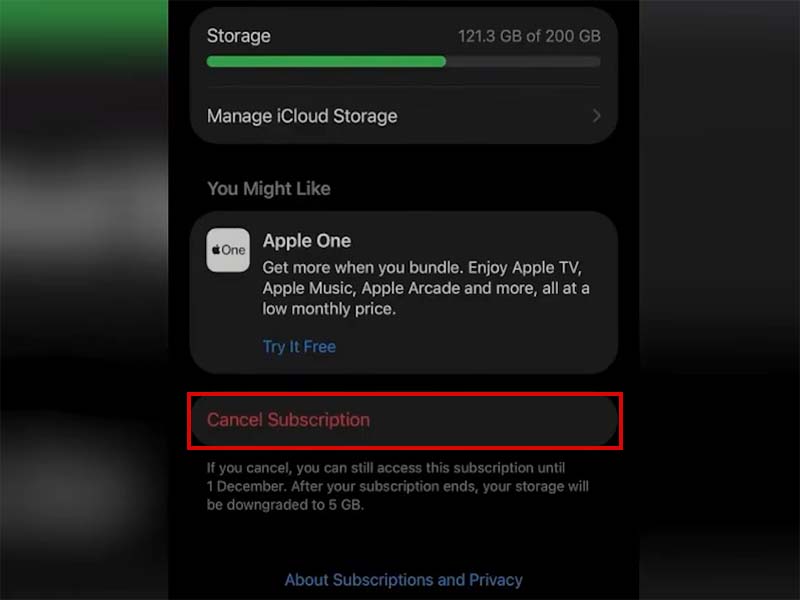
Your access to premium features will continue until the end of your current billing cycle, and no further charges will be made. If you do not see CapCut listed, double-check that you are signed in with the same Apple ID you used to subscribe.
How to Cancel CapCut Subscription on Android
Subscriptions made through Google Play are managed directly in the Play Store app, even if CapCut has been removed from your local app store.
- Open the Google Play Store app.
- Tap your profile icon in the top-right corner.
- Select Payments & subscriptions → Subscriptions.
- Find CapCut in the list and tap to open its details.
- Tap Cancel subscription and follow the confirmation prompts.
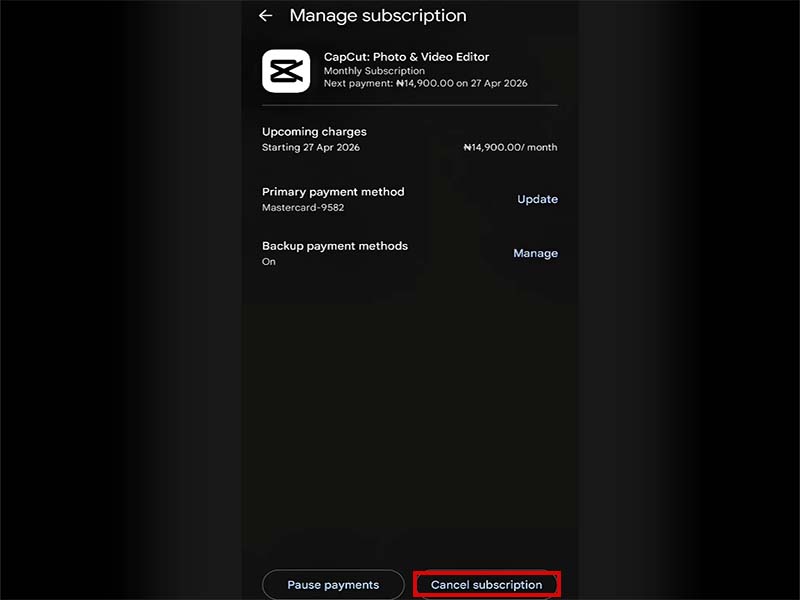
If you have multiple Google accounts on your device, switch to the account you used when subscribing. This is the most common reason CapCut does not appear in your subscription list.
How to Cancel CapCut Subscription on PC
There are two ways you may have subscribed on PC: through the Microsoft Store or directly via the CapCut website. Follow the matching guide below.
If you subscribed via Microsoft Store
- Open the Microsoft Store app on your PC.
- Click your profile picture in the top bar.
- Select My Library → Subscriptions.
- Find CapCut in the list and click Manage.
- Choose Cancel and confirm to turn off auto-renewal.
If you subscribed via the CapCut website
- Go to the official CapCut website and log in to your account.
- Click your profile icon in the top-right corner.
- Open Account Settings → Subscription & Billing.
- Find your active plan and select Cancel Subscription.
- Confirm the cancellation on the final page.
Web-based subscriptions will show a “Canceled” status once complete. Save the confirmation email for your records.
How to Cancel CapCut Subscription on Mac
On Mac, you may have subscribed through the Mac App Store or via the CapCut website. The App Store route is the most common.
Cancel via Mac App Store
- Open the App Store on your Mac.
- Click your name at the bottom of the sidebar.
- Click Account Settings and scroll down to Subscriptions.
- Click Manage next to the subscriptions list.
- Find CapCut, click Edit, then select Cancel Subscription.
Cancel via System Settings
- Open System Settings on your Mac.
- Click your Apple ID, then select Media & Purchases.
- Click View Account and scroll to Subscriptions.
- Click Manage, locate CapCut, and cancel the subscription.
How to Cancel CapCut Free Trial
Free trials automatically convert to a paid plan when they expire, unless you cancel at least 24 hours before the end of the trial period. This still applies even if CapCut is banned in your region.
The cancellation steps for a free trial are identical to canceling a paid subscription:
- Go to the subscription management page on your platform.
- Find your CapCut trial.
- Select Cancel Subscription / Cancel Trial.
You will keep trial access until the original end date, and you will not be charged when the trial finishes. If you wait until after the trial expires, you will be billed for a full billing cycle.
How to Cancel CapCut Standard Subscription
CapCut Standard is the entry-level paid plan, and it follows the exact same cancellation process as CapCut Pro. There is no separate cancellation flow for Standard subscriptions.
- Open the subscription management section of your purchase platform.
- Locate your CapCut Standard plan.
- Select the cancel option and confirm.
Once canceled, auto-renewal will be turned off. You will retain all Standard benefits until the end of your current billing period, after which your account will downgrade to the free version.
What to Do If CapCut Is Banned in Your Country
A regional ban or app store removal does not cancel your subscription on its own. Here is what you need to know:
- You can still cancel without the app. All cancellation steps work through your platform account settings; you never need to open CapCut itself.
- Online features may stop working, but billing will not. Even if you can no longer use templates, AI tools, or cloud features, you will continue to be charged until you cancel.
- You may request a prorated refund. If CapCut became unavailable mid-billing cycle, contact Apple Support, Google Play Support, or CapCut customer service to request a partial refund. Approval depends on your region and platform policy.
- CapCut MOD will continue to work offline. Even after you cancel your official subscription, the modded app retains all unlocked local editing features.
Final Checklist Before You Finish
- Cancel at least 24 hours before your next renewal date to avoid being charged.
- Confirm the subscription status changes to “Canceled” or “Expires on [date]”.
- Save or screenshot the confirmation page for your records.
- If you used a free trial, double-check that auto-renewal is disabled.
- Uninstalling the app does not cancel your subscription; always verify in your account settings.
Final Thoughts
Dealing with a CapCut ban can be frustrating, but canceling your subscription is straightforward once you know which platform handles your billing. Remember: CapCut MOD never charges you directly, so any recurring payment is tied to an official plan you started previously.
By canceling through your App Store, Google Play, or CapCut web account, you can stop all future charges in under a minute. And if you rely on CapCut’s editing tools, CapCut MOD will continue to work for all offline and local editing tasks.