
In “How to Use CapCut with a VPN: Fix Region Restrictions,” I mentioned how to download CapCut using a VPN. However, VPNs aren’t always reliable, so I found some other methods to download CapCut Pro no VPN.
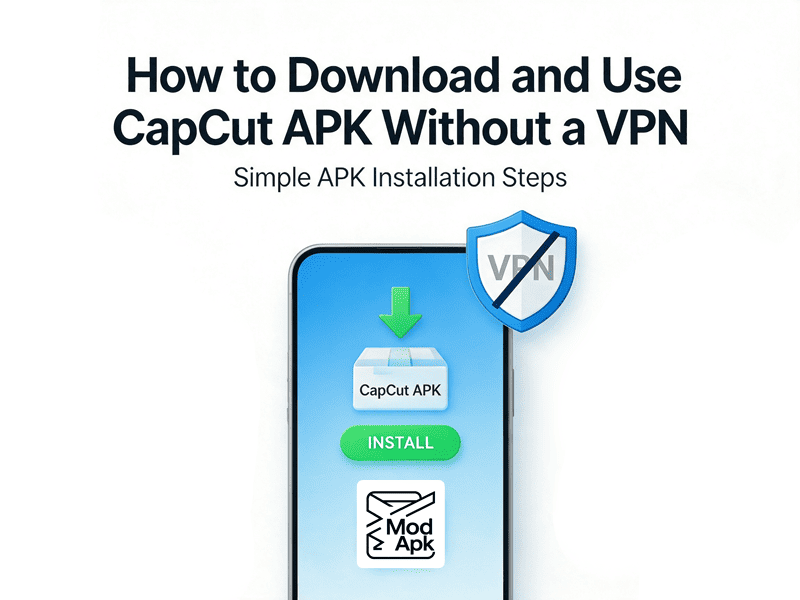
Solution 1: CapCut Pro No VPN APK
Download the official CapCut APK. This is the safest path. You get the real CapCut.
The key is knowing where to download it. However, I cannot say for sure which APK is safe because I haven’t tested them myself. However, I can give you some tips on how to check if one is secure.
- File size: Official CapCut APKs are usually 110–160 MB. Anything over 220 MB is suspicious—it likely has something injected.
- Signature: Trusted sources will show a “Signed” or “Verified” badge. This proves it’s the official file.
- Developer: The package should be attributed to ByteDance Pte. Ltd.
Usually, these steps are enough to tell if an APK is safe. If you are still worried, you can use a security app to scan the file for viruses to be sure.
Solution 2: CapCut Pro No VPN APK Download Latest Version for PC Free Download
If you’re on PC, you can skip the APK dance entirely. Download CapCut for Windows and Mac directly to your computer, as long as you can access the CapCut website. While the desktop version has more advanced features, it also costs more.
How to Download CapCut for PC Legally and Free
- Visit the official site: capcut.com
- Click “CapCut for Desktop”
- Choose your OS, Windows or macOS
- Download the installer
- Run the installer—it will pull the full ~150-180 MB app
- Launch and start editing
Alternatively, Windows users can get it directly from the Microsoft Store by searching for “CapCut”.
Solution 3: CapCut mod latest version for India
India is the most affected by the CapCut ban. If it can be downloaded there, people in other places can use the same method to get it as well.
As I mentioned in my previous guide, subscribing to CapCut Pro is more difficult than downloading CapCut, so I recommended downloading the CapCut Mod APK. However, besides downloading the APK, you can also download and use CapCut Mod for PC.
Similar to the CapCut Mod APK, the CapCut Mod for PC unlocks premium features and all effects. It functions normally even without an internet connection, making it a viable option for PC users.
The download method is the same as the official download steps; simply visit capcutmoda.com and click Download.
Solution 4: Lifetime Alternatives That Beat CapCut Pro
If you are not strictly focused on the integration between CapCut and TikTok, exploring other video editors could be a viable option. These alternatives give you 90–100% of Pro features without any subscription:
- VN Video Editor – Completely free, no watermark, nearly identical feature set to CapCut Pro
- Wondershare Filmora – Lifetime license often 69–89 during sales
- PowerDirector – Lifetime license frequently $49 on Black Friday
- DaVinci Resolve – Free version is studio-grade, though with a steeper learning curve
- InShot – Lightweight, free version handles most social media needs
I know that many people choose CapCut because of its wide range of features, ease of use, and direct integration with TikTok, which makes it an indispensable tool. So if you still want to choose CapCut, please refer to the options above.
Does CapCut Actually Require a VPN
For most everyday editing, no, you do not need a VPN.
| Activity | Works Without VPN? |
| Trimming, cutting, adding text, basic effects | Yes |
| Exporting at 1080p or 4K (local export) | Yes |
| Hindi, Hinglish, and English text support | Yes |
| Cloud sync, AI features, trending templates | Sometimes limited |
| Region-restricted music tracks | Often requires VPN |
In other words, if you’re editing videos that are already on your device, you can do 90% of what CapCut offers without ever touching a VPN. The VPN requirement mainly appears when the app needs to talk to ByteDance’s servers for cloud-based features or region-locked content.
However, for Indian users, a VPN is basically essential if they want to connect to a server.
A Note for Indian Users Specifically
- CapCut is genuinely banned in India as of 2020. It’s not coming back to the Play Store anytime soon.
- If you had it installed before the 2020 ban, basic offline editing still works—trimming, cutting, text, export. You do not need a VPN for these functions.
- To get CapCut fresh on Android, follow the installation steps above.
- For trending templates and cloud features: These may not work reliably due to the ban. A VPN might help here, but it’s not guaranteed.
- Better alternative for Indian creators: Use CapCut Desktop on PC, or switch to VN Video Editor, which is fully available in India and offers a near-identical feature set for free.
- iPhone users: Change your App Store region to a country where CapCut is available. Set the payment method to “None” and enter a valid address for that country. Download CapCut, then switch back.
FAQ
Q: Is the PC version better than the Android version?
A: For most creators, yes. Editing on a larger screen makes timeline management easier, and computers generally offer faster rendering, better multitasking, and more storage for large projects.
Q: Does CapCut Pro work offline?
A: Most editing tools work without an internet connection once the app is installed.
Q: Can I update a CapCut APK without losing my projects?
A: Usually, yes. If you install a newer version over the existing one using the same package, your local projects are typically preserved.
Final Verdict
Most users can download and use CapCut without a VPN. However, those in India require a VPN to access AI features and connect to official servers. CapCut Mod for PC includes most of the features, so Indian users can use the advanced functions without a VPN after downloading CapCut Mod for PC.
In my opinion, CapCut remains one of the easiest and most feature-rich video editors available today. Its intuitive interface, powerful editing tools, and frequent updates make it suitable for beginners and experienced creators alike. If you download your APK from a trusted source and keep it updated, you can enjoy a smooth workflow for everything from short social media clips to more advanced video projects.