
In the crowded feeds of TikTok, Instagram, YouTube Shorts and Facebook, standing out with high-performing Social Media Posts is harder than ever. Many creators assume viral success only comes from raw creativity, but the truth is that engaging posts follow predictable, repeatable rules. And the right tools can cut your production time in half while boosting results. From crafting scroll-stopping openings to maintaining consistent brand style, small strategic changes make a huge difference in likes, comments, shares and follower growth.
As we’ve concluded in our comprehensive overview The Only Social Media Video Editor App You‘ll Ever Need: CapCut, CapCut stands head and shoulders above most editing software for daily social content creation. In this guide, we share actionable, proven tips to build more engaging content for every major platform. We also break down how social media templates streamline your workflow, why a well-chosen social media post template beats building every post from scratch, and how capcut templates have become the go-to resource for fast, high-quality video social content.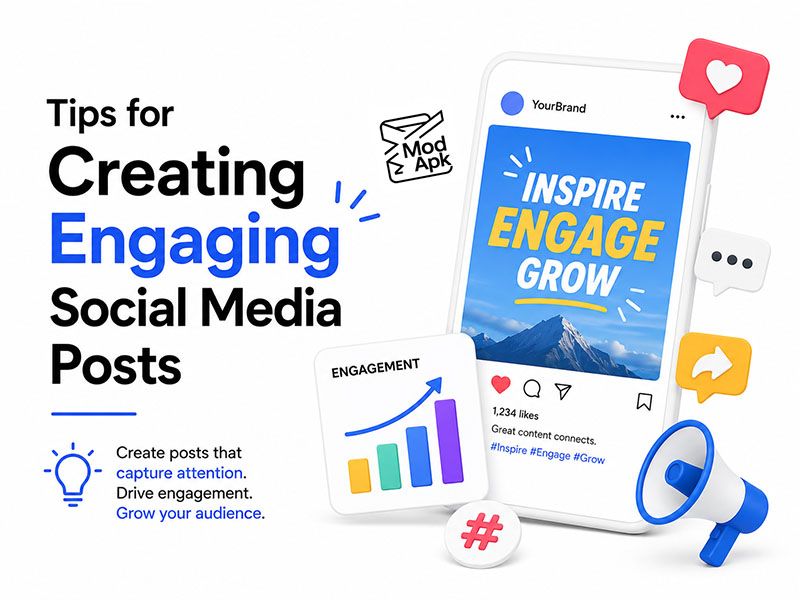
Core Tips to Make Your Social Media Posts Stand Out
Engagement is not random. Every high-performing post follows basic audience-centric principles, regardless of niche or platform. Apply these rules to every piece of content you publish, and you will see consistent improvements in retention and interaction.
1. Hook your audience in the first 3 seconds
On infinite-scroll feeds, most users swipe away in under three seconds if a post does not signal clear value. For video posts, open with your most surprising, funny or useful moment instead of building up slowly. For image and carousel posts, lead with a bold, clear headline on the first frame that tells viewers exactly what they will gain by keeping reading.
This single adjustment is the fastest way to lift your initial retention rate, which is the most important metric for platform algorithm ranking. For an in-depth breakdown of scroll-stopping tactics to drastically lift your overall interaction data, check our dedicated guide Winning the 3-Second War: The CapCut Tricks That Fix Dead Engagement.
2. Prioritize instant visual clarity
Social media viewers do not read carefully — they scan. Avoid cluttered layouts, tiny text and overcrowded graphics. Keep one core message per post, use high-contrast visuals, and place key information in the center of the frame where it is visible even on small phone screens.
For video Social Media Posts, use large, bold on-screen text to reinforce your main point, since most users watch content with the sound turned off.
3. Include a specific, actionable call to action
Many creators get good view counts but low interaction simply because they never ask the audience to participate. End every post with a clear prompt: ask a yes/no question, invite viewers to share their opinion in comments, tell them to save the post for later, or encourage them to send it to a friend.
Open-ended questions consistently drive more comments than statements. Even a simple “Tap 1 if you agree” can double comment volume on a post.
4. Match your format to each platform
Not all Social Media Posts work the same way across every app. Short, fast-paced 15-second clips perform best on TikTok; polished 30–60 second Reels thrive on Instagram; longer, value-focused videos work well on YouTube Shorts; and static graphics and carousels still dominate on LinkedIn and Facebook. If you prefer editing longer TikTok footage on desktop for precise trimming and layout control, follow our walkthrough How to Clip Videos for TikTok on CapCut PC.
Publishing the exact same post across every platform rarely delivers maximum results. Adjust length, tone and format to match what each audience expects.
5. Deliver either emotional resonance or practical value
Viral, highly shareable posts almost always fall into one of two categories: they make people feel something or they teach people something useful.
If your post does neither, viewers will scroll past without engaging. Before you publish, ask yourself: why would someone stop, watch and share this?
How Social Media Templates Improve Both Quality and Speed
Creating polished posts one by one from scratch takes hours every week, and it is easy to end up with inconsistent branding and uneven quality. This is why most professional creators rely on social media templates to scale their content production.
Key benefits of using a social media post template
- Cut production time by 60% or more: Instead of designing layouts, transitions and text styles from zero, you simply swap in your own footage, text and branding.
- Guarantee consistent brand identity: Pre-set colors, fonts, logos and layout rules ensure every one of your Social Media Posts looks cohesive, even when you batch-produce a week’s worth of content in one sitting.
- Lower the learning curve for new creators: You do not need professional design or editing skills to produce clean, professional-looking posts when you start from a tested template.
- Reduce creative decision fatigue: Templates remove most small design choices, so you can focus on your message instead of picking font sizes and transition styles.
Social media templates come in every format you need: static image post templates, carousel slide sets, story stickers, and full video edit presets. A good social media post template works as a flexible framework; you keep the proven structure and replace the content, so every post still feels original and unique.
Why CapCut Templates Are Perfect for Video Social Media Posts
While graphic design tools cover static image posts, capcut templates have become the industry standard for video Social Media Posts. Built natively for short-form vertical content, CapCut’s template library solves almost every pain point of video post production.
Advantages of using capcut templates
- Optimized for vertical short-form
Every template is built for 9:16 aspect ratio, the standard size for TikTok, Reels and YouTube Shorts. You never waste time resizing or repositioning footage for mobile feeds.
- Updated daily with trending formats
CapCut adds new templates every day to match current platform trends, from viral transition effects and audio challenges to popular editing styles like smooth slow motion and velocity edits. Using these trend-aligned templates gives your posts a better chance of being picked up by algorithm recommendation systems.
- Fully customizable for your brand
You are not locked into the default design. Every element: text, colors, effects, timing and music, can be adjusted to match your brand style. This lets you take a popular social media post template and make it feel original to your account.
- Built for every content niche
Whether you make tutorials, travel vlogs, product reviews, comedy skits or educational explainers, there are ready-made capcut templates designed for your content type. You can find everything from quick reaction clip layouts to cinematic travel edit presets and step-by-step tutorial structures.
For most creators, using templates cuts video post editing time from 30–45 minutes down to 5–10 minutes per post, without sacrificing quality.
Common Mistakes to Avoid With Social Media Templates
Templates are a powerful tool, but they only work well when used correctly. Avoid these common errors to keep your content feeling original and high-quality:
- Using templates without customization: If you publish a template exactly as-is, your content will look identical to hundreds of other accounts. Always swap colors, adjust timing and add unique branding elements to stand out.
- Overcrowding posts with too many effects: Many templates come packed with stickers, animations and decorative elements. Remove anything that does not serve your core message; clean, simple posts almost always perform better.
- Relying on outdated trending templates: Viral formats fade fast. Using a trend template that was popular three months ago will make your content feel stale. Always check for the latest releases in the template library.
- Ignoring platform sizing rules: A template made for TikTok will not always fit Instagram Stories or Facebook feed dimensions. Double-check aspect ratio before exporting.
Final Thoughts
Creating engaging Social Media Posts does not require endless hours or professional design skills. By following simple audience-focused rules and leveraging the right tools, any creator can produce consistent, high-performing content.
Social media templates take the guesswork out of design and pacing, and a well-built social media post template can turn a rough idea into a polished post in minutes. For video content specifically, capcut templates are unmatched for speed, trend alignment and customizability.