
For decades, professional video editors relied on industry-standard tools like Adobe Premiere Pro, DaVinci Resolve, and Final Cut Pro to deliver polished, client-ready work. In recent years, however, CapCut has shifted from a casual mobile editing app to a tool that even seasoned editors are adding to their workflows, and opinions about it are deeply divided. Some dismiss it as a beginner-only toy, while others praise it as a game-changing efficiency tool for fast-paced social media production.
In this post, we break down what working professional editors really think about CapCut, from its speed and AI features to its massive ecosystem of capcut templates. We’ll also cover how top creators leverage viral trends like the how i see you trend template, explain how to make a template for repeated branded use, and break down when a capcut video template is a smart shortcut — and when it’s better to build projects from scratch.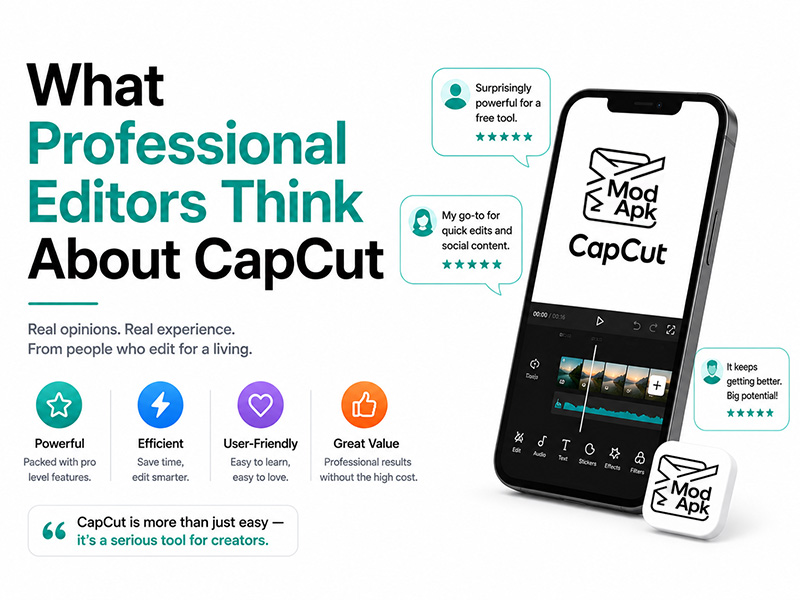
Why Many Pros Are Adding CapCut to Their Workflow
It’s rare to find a professional editor who uses CapCut for every project, but it’s increasingly common to see it in their toolkit. These are the biggest advantages that earn CapCut a spot in professional workflows.
1. Unmatched speed for short-form social production
For editors managing high-volume social media content, like weekly Reels, TikTok series, brand Shorts, and client updates — speed is everything. What would take an hour to build in Premiere Pro can often be finished in 10 minutes in CapCut, thanks to pre-built effects, one-click tools, and a streamlined interface. Most pros agree: for 15–60 second vertical videos, CapCut is faster than any traditional desktop editor on the market.
2. A deep library of ready-to-use capcut templates
One of the most widely praised features is the sheer volume of capcut templates built into the app. For client work that requires fast turnaround on trending formats, a pre-built capcut video template cuts out hours of animation, transition, and keyframing work.
Viral formats like the how i see you trend template spread across TikTok and Instagram in days, and editors who can adapt these trends for brands often deliver better algorithm performance than fully custom projects. Professional editors don’t just use these templates as-is. They treat them as a starting base, swap in branded assets, adjust timing, and add custom details so the final clip feels original, not generic.
3. Built-in AI tools that eliminate tedious work
Professional editors spend a huge portion of their time on repetitive tasks: transcribing captions, removing background noise, cutting out awkward pauses, and isolating subjects. CapCut’s built-in AI tools handle all of these jobs in one click, freeing editors up to focus on creative decisions instead of manual busywork. For most pros, this time savings alone makes CapCut worth using.
4. Cross-device accessibility for fast revisions
Client feedback rarely comes during desktop work hours. CapCut’s sync between mobile and desktop lets editors make quick revisions, approve cuts, or tweak text on the go. This a huge upgrade from being tied to a workstation for every small change.
Where Professional Editors Say CapCut Falls Short
For all its strengths, nearly every seasoned editor agrees on the limits of CapCut. It is not a replacement for professional editing software, and it struggles with high-stakes, complex projects.
1. Limited precision for long-form and high-end work
CapCut excels at short, fast clips, but it lacks the fine control needed for long-form videos, commercial productions, and cinematic projects. Multi-track timeline management, advanced color grading, custom keyframe animation, and professional audio mixing all feel limited compared to Premiere Pro or DaVinci Resolve. For brand commercials, documentaries, and narrative work, pros still rely on traditional desktop tools.
2. Copyright and licensing gray areas
This is one of the biggest concerns for professional editors taking on commercial client work. While capcut templates and built-in audio work great for personal content, the licensing terms for commercial use are often unclear. Many agencies avoid using default templates and stock audio for paid client work to prevent copyright claims down the line.
3. Weak project management and collaboration tools
CapCut is built for individual creators, not large teams. There is no robust version history, shared project libraries, or real-time collaboration features. For solo freelancers this is rarely an issue, but for agency teams working on shared client projects, it makes CapCut impractical as a primary editor.
4. Over-reliance on templates hurts originality
Many seasoned editors warn new creators against leaning too heavily on pre-made content. If every brand uses the same capcut video template for every trend, content starts to feel identical and fails to stand out. The best pros use templates as a time-saving foundation, not a finished product.
The Professional Approach to CapCut Templates
Many new creators assume professional editors never use capcut templates, but the reality is far more nuanced. Top editors don’t avoid templates because they use them strategically.
1. Using viral templates the right way
Viral trends like the how i see you trend template are incredibly valuable for jumping on algorithm momentum fast. Instead of spending hours recreating the effect from scratch, a professional will pull the base template, rework the timing to fit the brand’s voice, swap in custom footage and colors, and add unique details. The result feels on-trend but still distinct from every other creator using the same format.
2. How to make a template for branded, repeatable content
For ongoing client work, like weekly social series, product update videos, or branded Reels — the biggest pros learn how to make a template of their own. Building a custom capcut video template with pre-set brand colors, fonts, transitions, and aspect ratios cuts down per-video editing time dramatically. It also ensures visual consistency across a brand’s entire content library, which is a top priority for corporate and agency clients.
When teaching how to make a template to newer editors, seasoned pros always recommend three rules: keep layers organized, leave clear editable placeholders for footage and text, and avoid overly niche effects that won’t work for every clip. A good template should be flexible enough to reuse across dozens of posts without feeling repetitive.
The Verdict: CapCut Is a Companion Tool, Not a Replacement
Across the board, the professional consensus is clear: CapCut is not a threat to high-end editing software, and it will never replace Premiere Pro or DaVinci Resolve for serious production work. If you are curious about other viable editing programs when CapCut cannot meet your production demands, check out our guide What to Use Instead of CapCut. Even so, CapCut is an extremely valuable supplementary tool.
Most professional editors today split their workflow:
- Long-form videos, commercial shoots, and color-heavy projects are edited in professional desktop software
- Short-form social content, trend-driven clips, and fast revision work are done in CapCut
Used this way, CapCut makes editors faster, more productive, and better able to keep up with the endless demand for social media content.